Skelbiz ERP Core: Orders, Invoicing, and Tally Sync
The financial and operational backbone of Skelbiz - sales orders, invoicing, and two-way sync with Tally ERP, kept consistent across every floor and office system.
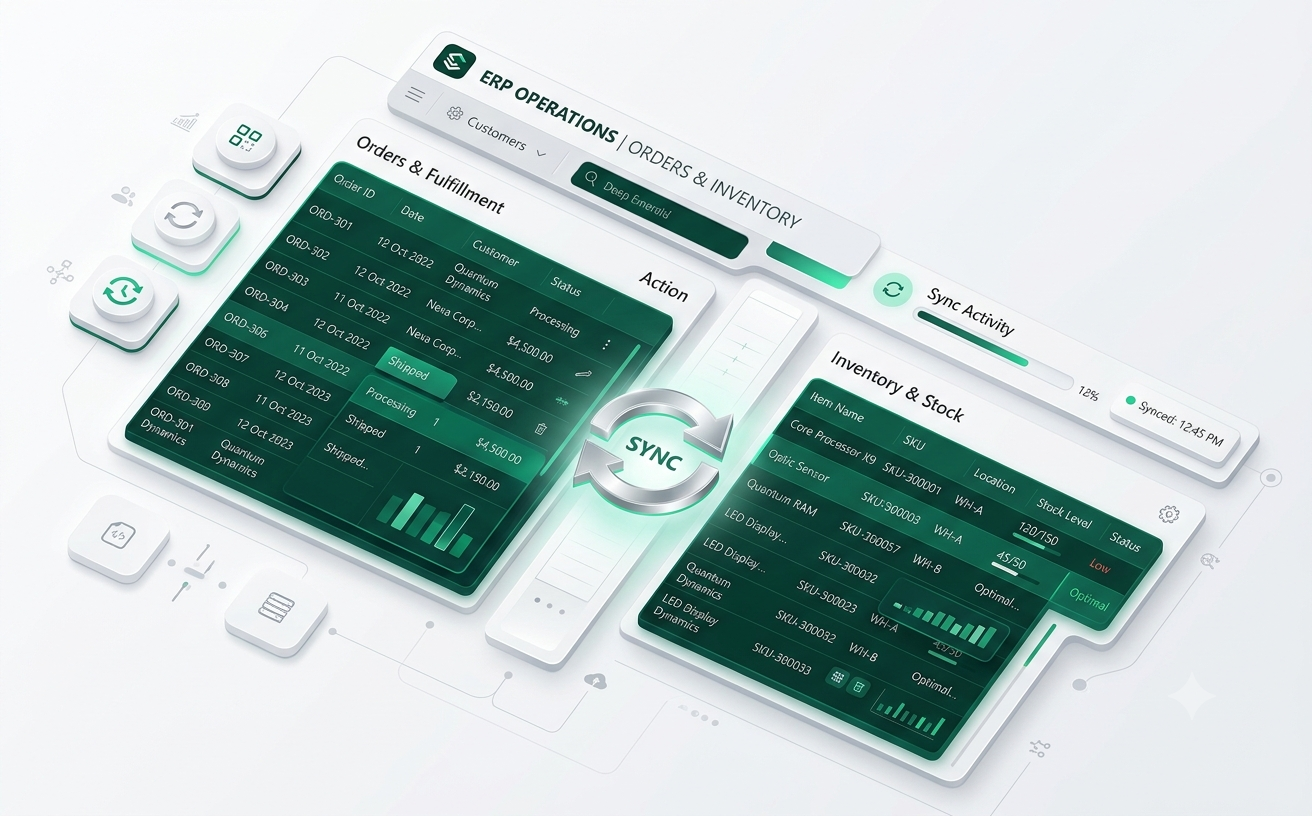
Tally-Synced
ERP Core
Why Skelbiz ERP Core Matters
Most manufacturers run their books in Tally and their operations somewhere else entirely, which means someone is manually reconciling the two - a process that's slow and error-prone at any real volume. Skelbiz ERP Core removes that gap by syncing confirmed sales orders directly into Tally through a dedicated agent.
That single source of truth then feeds every other Skelbiz module: Supply Chain Visibility reflects the same order data, and Shop-Floor Automation triggers off the same confirmed orders, so financial records and floor activity never drift out of sync with each other.
In practice, that means syncs confirmed sales orders into Tally via a dedicated Windows agent. Teams evaluating Skelbiz ERP Core often pair it with Skelbiz Supply Chain Visibility for a fuller picture of their Skelbiz deployment, though it holds up as a standalone product in its own right.
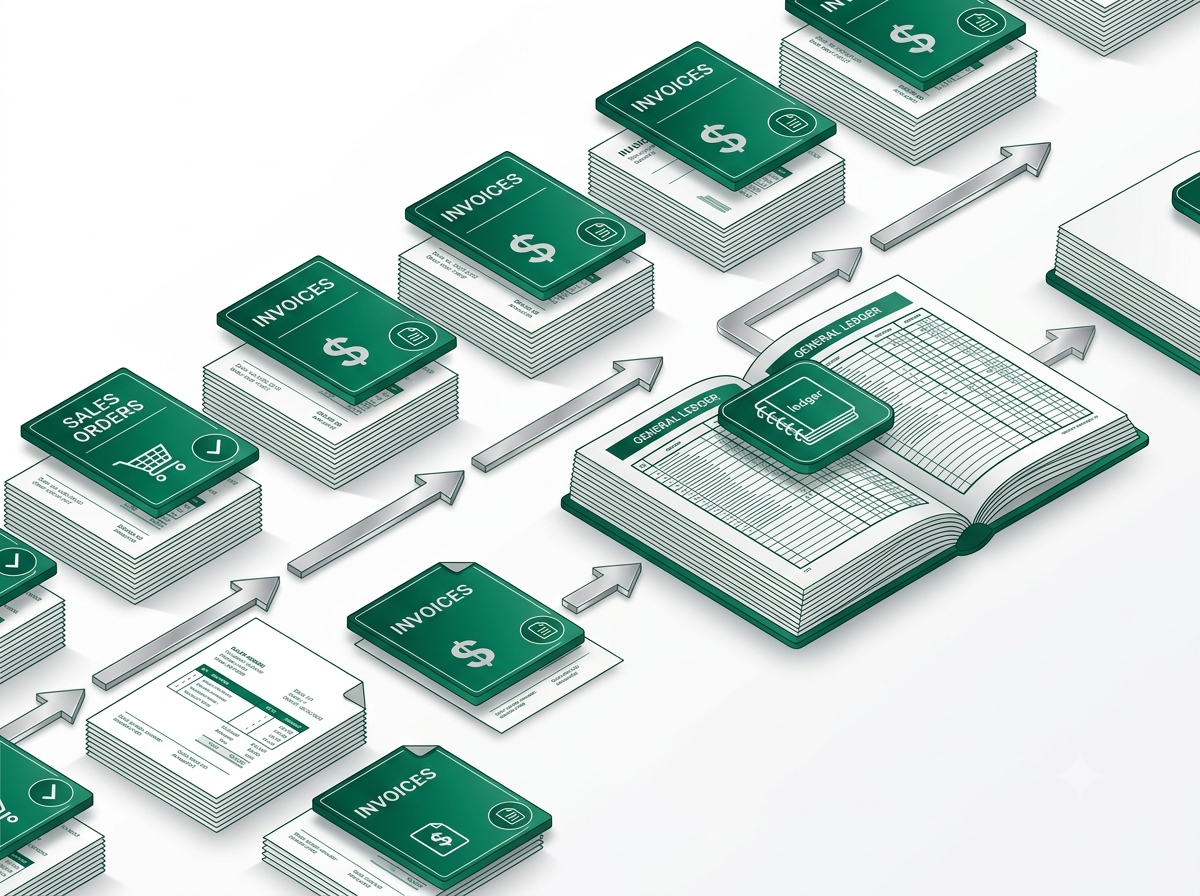
Production-Grade
Engineering Standard
Key Capabilities
What Skelbiz ERP Core actually does for the people who use it every day - not a feature list, but the specific jobs it's built to handle well.
Sales Order Management
Orders flow from confirmation to fulfillment.
Tally ERP Sync
Confirmed orders sync to Tally automatically.
Automated Invoicing
Invoices and e-way bills generated in step.
Financial Consistency
One source of truth across office and floor.
The Skelbiz ERP Core Workflow
Four steps, applied consistently, so progress stays visible at every stage instead of arriving as one unpredictable handoff at the end.
Connect
Machines, sensors, and existing office systems get wired into Skelbiz without a disruptive hardware overhaul.
Capture
Edge agents ingest floor data in real time, even through connectivity drops, queuing locally until sync resumes.
Orchestrate
Automation rules route work and flag exceptions the moment they happen, not at the next manual walk-through.
Predict
Analytics turn floor history into maintenance and planning foresight, ranked by real failure risk.
Under the Hood
- Syncs confirmed sales orders into Tally via a dedicated Windows agent
- Reduces manual re-entry between cloud and desktop accounting
- Feeds Supply Chain Visibility and Shop-Floor Automation modules
- Handles invoice and e-way bill document generation
- Built for manufacturers already standardized on Tally
- Backed by the same production engineering standard that runs Skelbiz
Skelbiz ERP Core FAQ
Do we still use Tally directly?
Yes - Skelbiz syncs into Tally rather than replacing it, so your existing accounting workflow stays intact.
How often does data sync?
Confirmed sales orders sync automatically via a dedicated Windows agent, without manual re-entry.
Does it handle invoicing too?
Yes, invoice and e-way bill document generation is handled as part of the order flow.
How do we get started?
Reach out through our Contact page describing your use case, current setup, and rough timeline - we'll follow up within one business day with next steps and a clear sense of how Skelbiz ERP Core fits your situation specifically.
Explore More Skelbiz Products
Skelbiz Supply Chain Visibility
Real-time inventory and logistics tracking, including e-way bill workf…
Skelbiz Shop-Floor Automation
Skelbiz connects machines, operators, and workflows into a single auto…
Skelbiz Predictive Analytics
Forecast downtime before it happens. Skelbiz Predictive Analytics turn…
See Skelbiz ERP Core in Action
Book a walkthrough with our engineering team and see how it fits your workflow.
Talk to Us